Microsoft Copilot is built for organizations that want to benefit from AI while still maintaining full control over data, permissions, and compliance. Here, we help you understand how Copilot works in practice—and what is important to evaluate before moving forward.
Talk to an expert
Copilot helps employees reduce time spent on manual and repetitive tasks such as emails, meeting summaries, and document work. The AI is built directly into the tools you already use, enabling efficiency gains without changing workflows or introducing new systems.
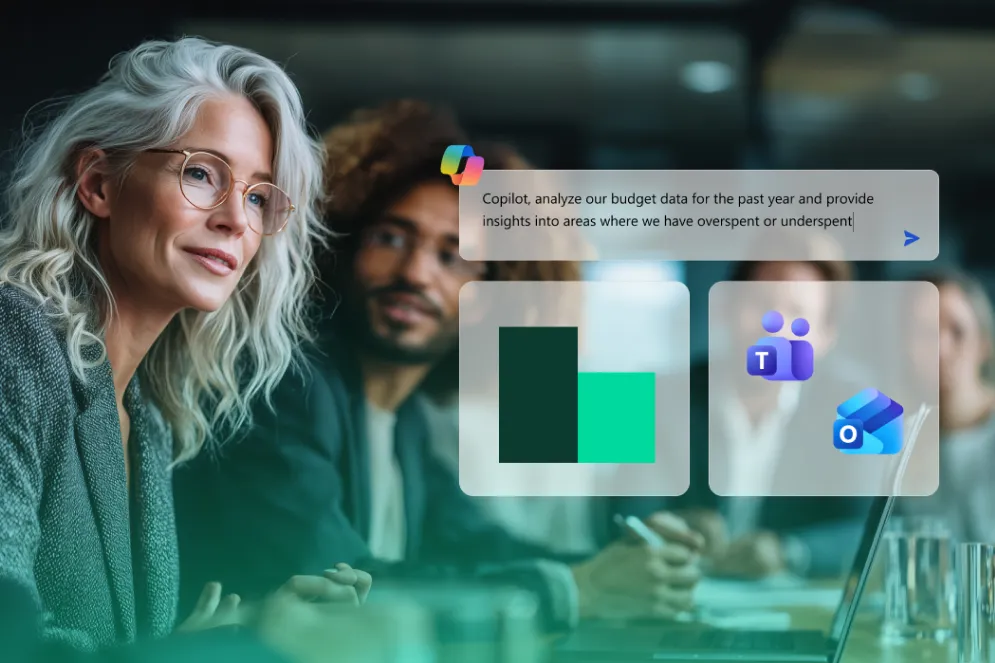
With Copilot, you gain faster access to summaries, analyses, and insights based on your existing information. This provides better preparation for meetings and decisions—without anyone needing to manually gather data from multiple sources.
Copilot är byggt för företag och följer alltid befintliga behörigheter, säkerhetspolicys och regelefterlevnad. AI:n använder endast den data användaren redan har tillgång till, och ingen information används för att träna AI‑modeller. Det gör Copilot till ett tryggt sätt att börja använda AI i organisationen.
Copilot is not a standalone AI tool. It is AI built for work, directly integrated into the Microsoft platform. AI and Copilot create the greatest impact when:
check_circle Employees spend a lot of time on manual and repetitive tasks
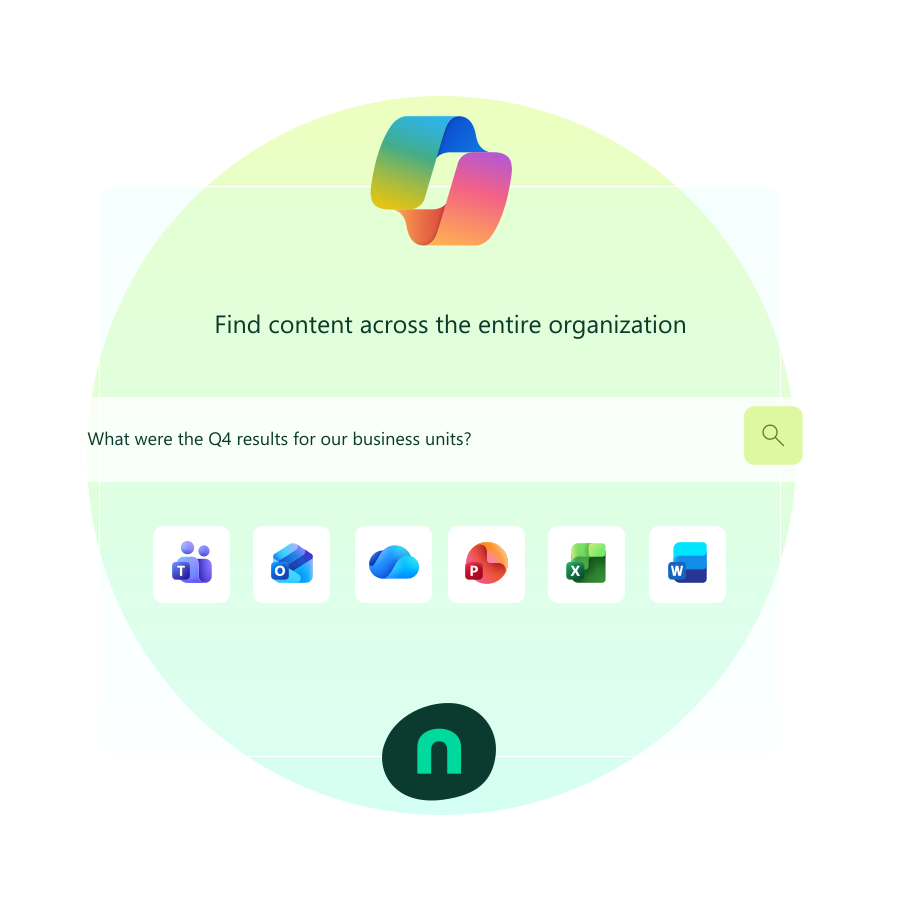
check_circle Information exists across many systems but is difficult to get an overview of
check_circle Decisions require compiling data, meetings, and documents
check_circle The organization wants to work smarter—not just faster
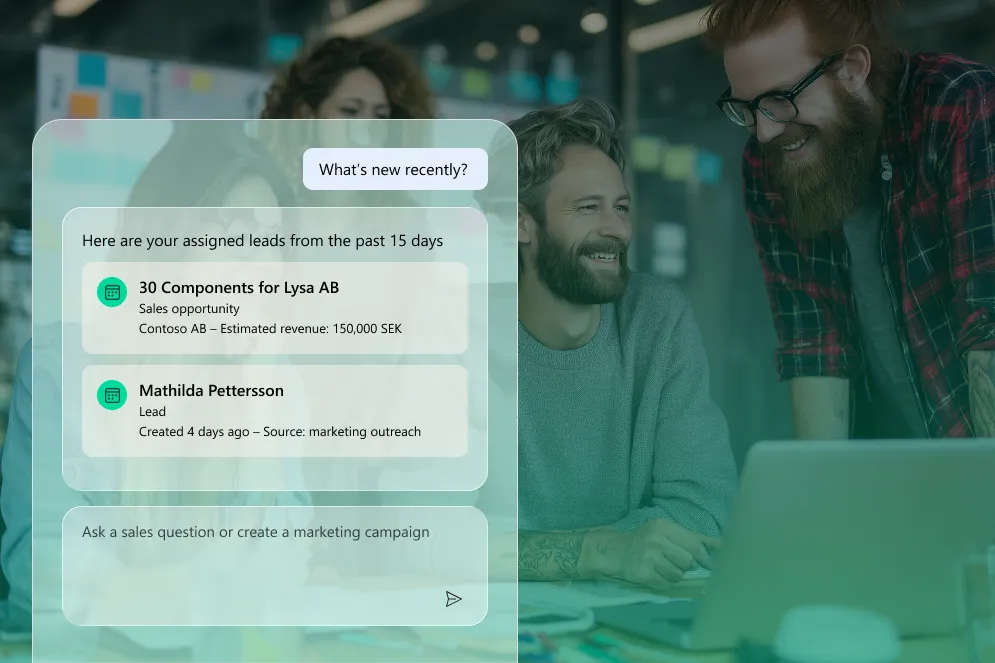
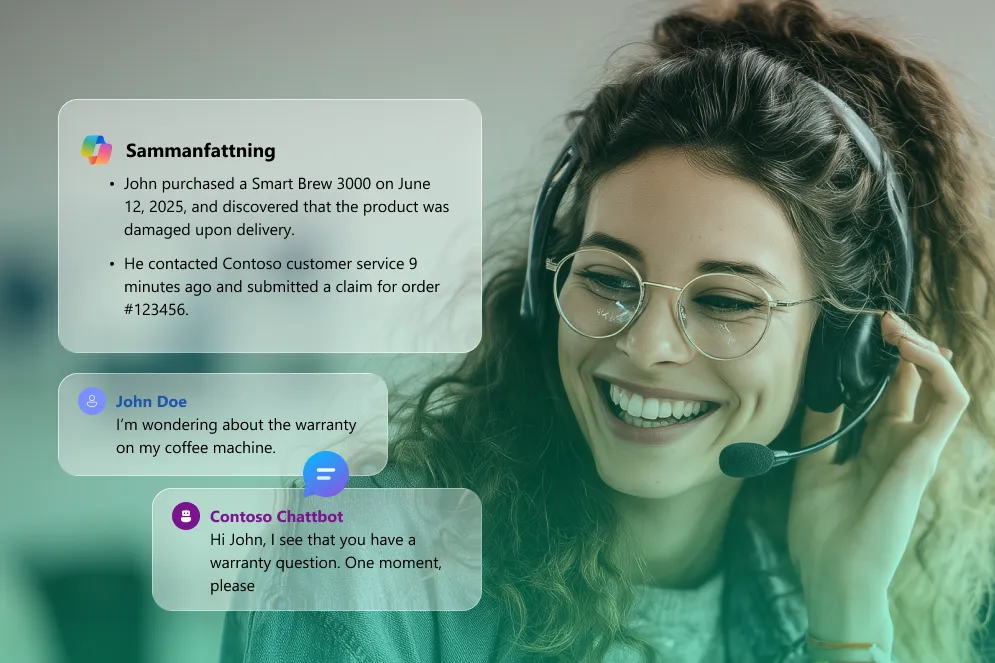
Copilot is built into tools like Word, Excel, Outlook, Teams, and business applications such as Dynamics 365.Det innebär att användarna inte behöver byta arbetssätt eller verktyg för att få nytta av AI.
Copilot works with the company’s information and respects existing permissions, roles, and policies.Användaren får bara svar på det den redan har rätt att se.
As needs grow, Copilot can be complemented with AI agents that automate specific processes and tasks.
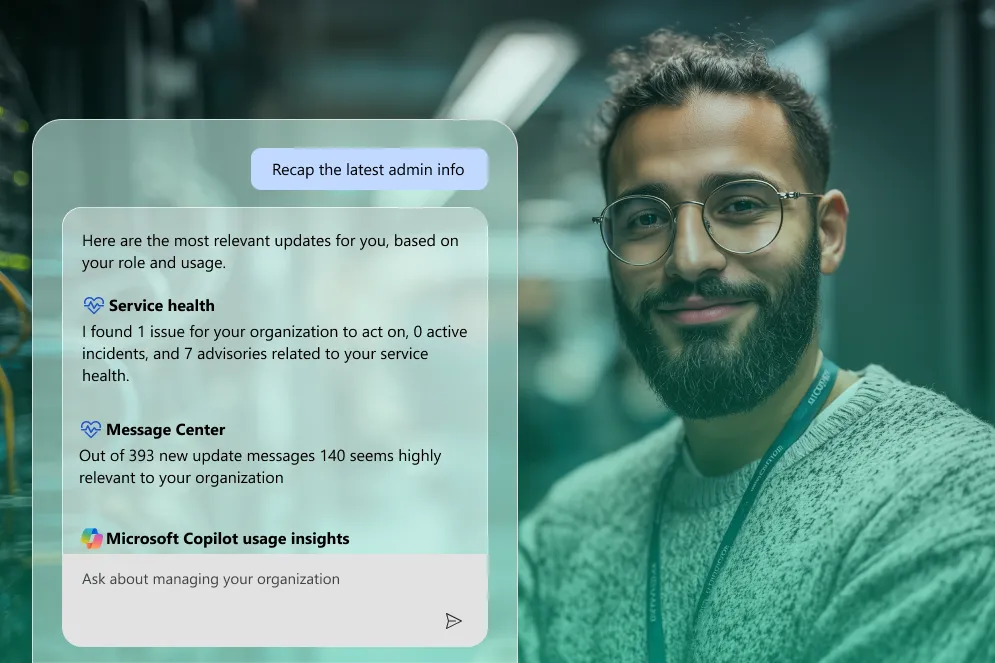
AI creates the greatest impact when it is adapted to how people actually work. With Copilot, each role gets support where it is needed most.
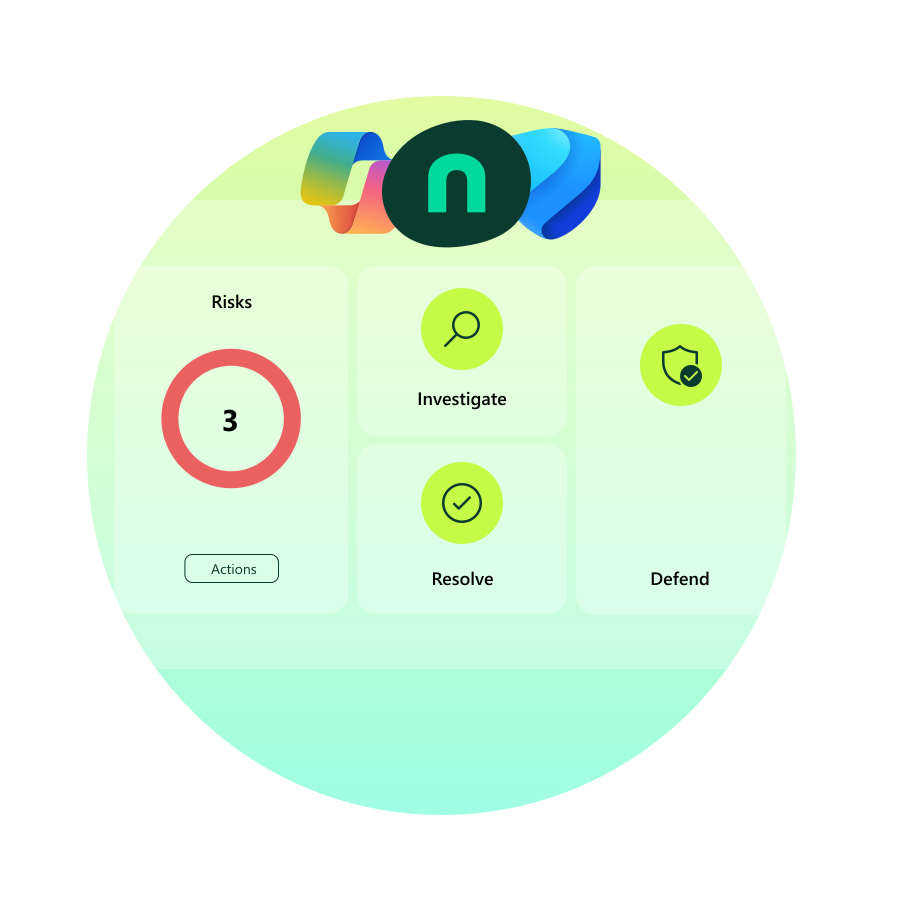
The biggest security risk with AI is not the technology—but a lack of structure in data and permissions. Copilot makes existing security visible, not weaker.
check_circle Copilot respects existing permissions—there’s no AI shortcut around security
check_circle Sensitive information is protected by the same policies, labels, and encryption as before.
check_circle Prompts and responses are not used to train Microsoft’s or other AI models.
check_circle All usage can be logged, reviewed, and governed through Microsoft’s security tools.
The focus is on security, structure, and the right expectations—not hype. We help you determine:
check_circle Where AI actually creates business value
check_circle Which level of AI is right for you right now
check_circle How Copilot can be implemented without increasing risk
This article gives you a quick, practical overview you can read in five minutes. No technical complexity. No buzzwords. Just…
As AI becomes a natural part of the modern workday, one question inevitably comes up for executives and employees alike:…
Looking for ways to work smarter with Copilot in Microsoft 365? Whether you want to free up time from repetitive…
Yes. Copilot is built on Microsoft’s security standards, including data protection, encryption, and controls over who can access information.
Copilot can generate text, analyze data, create summaries, provide suggestions, and automate repetitive tasks — directly within your workflows.
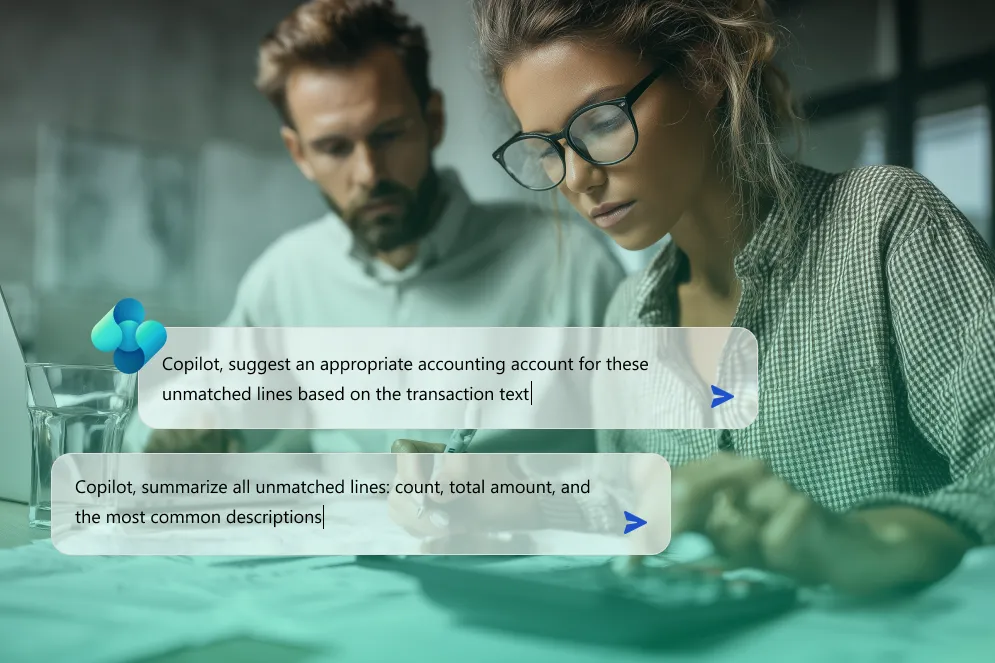
Everything from writing reports and compiling data to creating meeting notes, analyses, and recommendations — freeing up time for more strategic work.
By quickly delivering insights, suggestions, and automation, Copilot helps teams make faster, more informed decisions, reduce manual work, and increase overall efficiency.
Copilot is integrated directly into both Microsoft 365 and Dynamics 365. This means you can use AI features in apps like Word, Excel, Outlook, Teams, and PowerPoint, as well as in business applications for sales, customer service, field service, and marketing. AI support is always close to your workflows — helping with everything from documentation and analysis to automation and decision support, without the need to switch platforms.
At NAB Solutions, we specialize in Microsoft products. AI and Copilot are the future, and we help you navigate the AI landscape with confidence. Contact us today!
Contact us